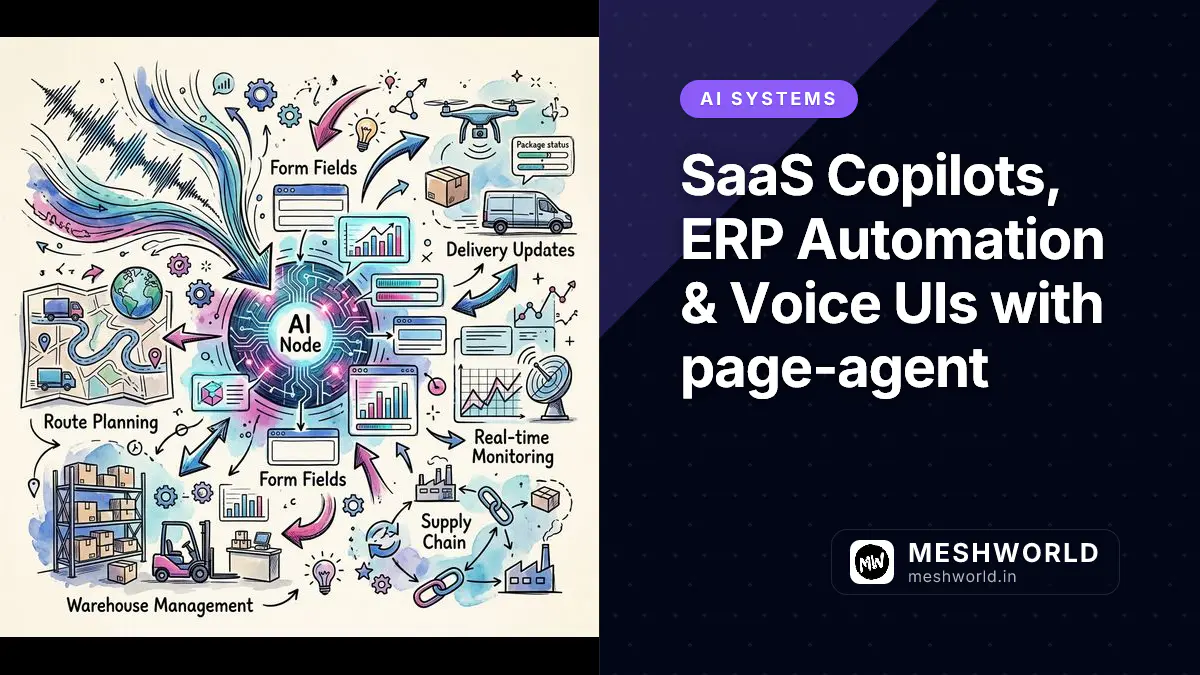
Embedding an AI agent directly into SaaS applications turns complex multi-step user interfaces into streamlined, natural-language experiences. By integrating Alibaba’s page-agent into your frontend architecture, users can dictate tasks, automate ERP form entry, and navigate intricate enterprise dashboards without friction.
As covered in our Model Context Protocol integration guide, combining structured client tool execution with real-time UI state creates seamlessly responsive AI copilots.
SaaS Integration: How Do You Embed an AI Copilot into SaaS Workflows?
You embed an AI copilot into SaaS workflows by initializing page-agent as a global context provider in your frontend component tree, rendering a floating chat drawer that captures natural-language instructions.
flowchart LR
    User[End User] -->|Voice Command / Text Prompt| Widget[Embedded SaaS Copilot Widget]
    Widget -->|Natural Language Request| PageAgent[page-agent Client Module]
    PageAgent -->|Dehydrates Interactive Elements| DOMTree[Form Inputs & Buttons]
    PageAgent -->|Executes Clicks & Input Values| DOMTree
    DOMTree -->|Visual Target Highlight| User
UI Component Design: How Do You Build a React Floating Copilot Widget?
You build a React floating copilot widget by creating a reusable React component that manages open drawer state, accepts user input, and passes prompts to the page-agent controller instance.
// SaaSCopilotWidget.tsx: Embedded Floating SaaS Copilot Component
import React, { useState } from "react";
import { PageController } from "page-agent";

const controller = new PageController({
  baseUrl: "/api/page-agent",
  model: "gpt-4o",
});

export const SaaSCopilotWidget: React.FC = () => {
  const [isOpen, setIsOpen] = useState(false);
  const [prompt, setPrompt] = useState("");
  const [isExecuting, setIsExecuting] = useState(false);

  const handleRunTask = async () => {
    if (!prompt.trim()) return;
    setIsExecuting(true);
    try {
      await controller.execute(prompt);
    } catch (error) {
      console.error("Copilot task execution failed:", error);
    } finally {
      setIsExecuting(false);
      setPrompt("");
    }
  };

  return (
    <div className="fixed bottom-6 right-6 z-50">
      {!isOpen ? (
        <button
          onClick={() => setIsOpen(true)}
          className="bg-indigo-600 hover:bg-indigo-700 text-white font-bold p-4 rounded-full shadow-2xl transition"
        >
          ✨ AI Copilot
        </button>
      ) : (
        <div className="bg-slate-900 text-white p-6 rounded-2xl shadow-2xl w-96 border border-slate-800">
          <div className="flex justify-between items-center mb-4">
            <h3 className="font-bold text-sm">ERP Assistant</h3>
            <button onClick={() => setIsOpen(false)} className="text-slate-400">
              ✕
            </button>
          </div>
          <textarea
            value={prompt}
            onChange={(e) => setPrompt(e.target.value)}
            placeholder="e.g., Fill out quarterly Q3 shipping manifest with Express options..."
            className="w-full bg-slate-800 p-3 rounded-xl text-xs border border-slate-700 mb-4 focus:outline-none"
            rows={3}
          />
          <button
            onClick={handleRunTask}
            disabled={isExecuting}
            className="w-full bg-indigo-600 hover:bg-indigo-700 disabled:bg-slate-700 font-bold text-xs py-3 rounded-xl transition"
          >
            {isExecuting ? "Executing In-Page Action..." : "Run Copilot Action"}
          </button>
        </div>
      )}
    </div>
  );
};
Voice UI: How Do You Add Hands-Free Speech Control with the Web Speech API?
You add hands-free speech control by wrapping the browser’s native SpeechRecognition API in a class module that pipes transcribed voice text directly into the page-agent execution pipeline.
// SpeechRecognitionWrapper.ts: Hands-Free Voice Control Engine
export class SpeechController {
  private recognition: any;

  constructor(onTranscript: (text: string) => void) {
    const SpeechRecognition =
      (window as any).SpeechRecognition ||
      (window as any).webkitSpeechRecognition;
    if (!SpeechRecognition) {
      console.warn("Web Speech API is not supported in this browser.");
      return;
    }
    this.recognition = new SpeechRecognition();
    this.recognition.continuous = false;
    this.recognition.interimResults = false;

    this.recognition.onresult = (event: any) => {
      const transcript = event.results[0][0].transcript;
      console.log("Voice Command Captured:", transcript);
      onTranscript(transcript);
    };
  }

  public startListening() {
    if (this.recognition) this.recognition.start();
  }
}
ERP Form Automation: How Do You Automate Complex B2B Enterprise Forms?
You automate complex B2B enterprise forms by passing natural-language intent to page-agent, which dehydrates form fields, identifies input targets, and sets form values programmatically.
In enterprise B2B software—such as SAP S/4HANA, Salesforce Financial Cloud, or custom ERP portals—users face dozens of dense input fields. page-agent extracts form context and automatically populates dropdowns, text inputs, and checkbox items:
// Example: Automating ERP Procurement Entry via page-agent
export async function automatePurchaseOrderEntry() {
  const task = `
    1. Select Vendor 'Acme Corp' from the supplier dropdown.
    2. Set Purchase Amount to '$45,000'.
    3. Toggle the Priority Shipping checkbox.
    4. Click 'Save Draft Order'.
  `;
  await controller.execute(task);
}
ARIA Tree Navigation: How Does page-agent Parse Non-Semantic HTML?
page-agent parses non-semantic HTML by inspecting ARIA landmark attributes (role, aria-label, aria-expanded, aria-controls), converting custom div components into recognizable interactive targets.
Many legacy enterprise portals build UI elements out of non-semantic <div> and <span> elements rather than native <button> or <input> tags. page-agent uses ARIA accessibility tree traversal to overcome non-semantic markup:
<!-- Non-semantic custom UI rendered as interactive target by page-agent -->
<div
  role="button"
  tabindex="0"
  aria-label="Approve Q3 Financial Budget"
  onclick="approveBudget()"
  class="custom-btn-style"
>
  Approve Order
</div>
Visual Feedback: How Do You Highlight Target Elements During Execution?
You highlight target elements during execution by attaching a transient CSS highlight outline class to the targeted element node while page-agent executes a click or input step.
Providing clear visual feedback reassures users while the agent performs multi-step automation:
// ElementHighlighter.ts: Transient Target Highlighting Engine
export class ElementHighlighter {
  public static highlightTarget(element: HTMLElement) {
    const originalBorder = element.style.outline;
    element.style.outline = "3px solid #6366f1";
    element.style.outlineOffset = "2px";
    element.scrollIntoView({ behavior: "smooth", block: "center" });

    setTimeout(() => {
      element.style.outline = originalBorder;
    }, 1500);
  }
}
Production Deployment & Accessibility Verification Standards
When shipping embedded SaaS copilots to enterprise production fleets, ensure your frontend adheres to these core user experience standards:
- Focus Management: Return keyboard focus to the main interface once copilot execution completes or errors occur.
- Auditory Confirmation: Provide subtle audio tones when voice command recording initiates or concludes.
- Screen Reader Announcements: Use
aria-live="polite"elements to communicate background agent progress to screen reader software. - Graceful Fallbacks: If speech recognition or agent proxy routes experience network failure, fallback smoothly to manual text input forms.
- State Cancellation: Allow users to press
Escapeor click a prominent cancel button to interrupt long-running multi-step DOM automation tasks. - Execution Telemetry: Record anonymized agent step completion metrics to identify UI inputs where page-agent encounters high friction or element identification timeouts.
Frequently Asked Questions
Can page-agent interact with custom Web Components and Shadow DOM?
Yes. If Shadow DOM roots are initialized in open mode, page-agent traverses shadow roots to index interactive element nodes.
Does the Web Speech API work offline?
In browsers like Chrome, SpeechRecognition requires an active internet connection to process voice audio model recognition.
How does page-agent handle file uploads in ERP forms?
page-agent triggers click events on file input elements, prompting the native browser file selector for user interaction.