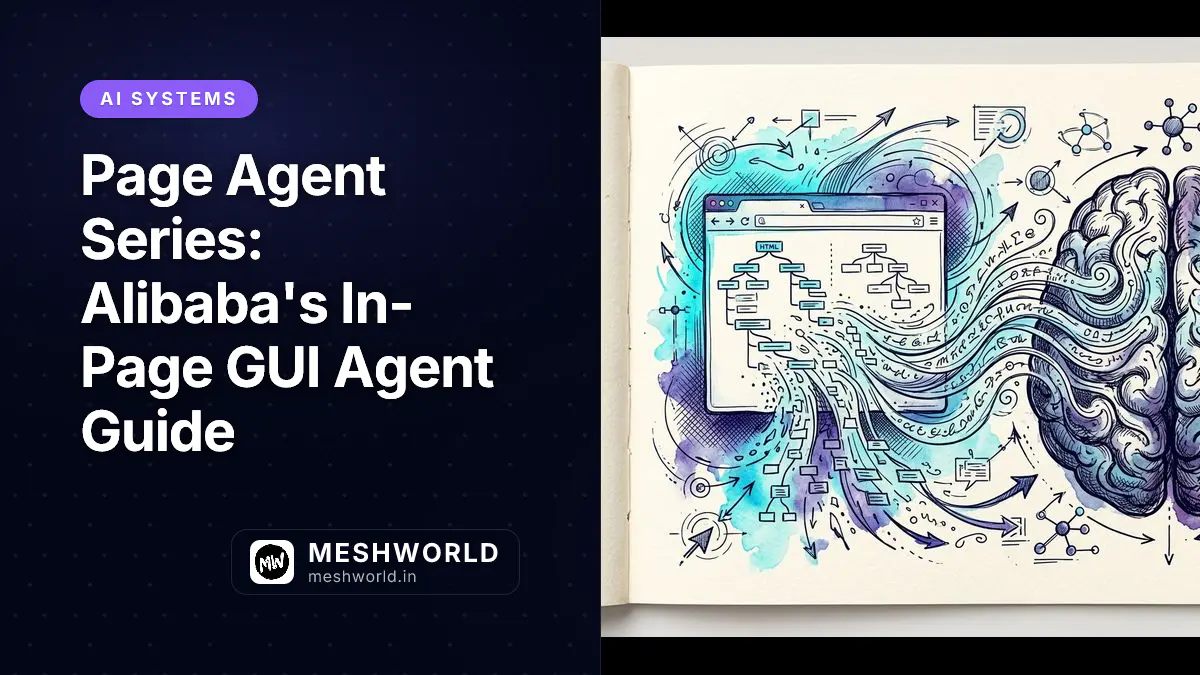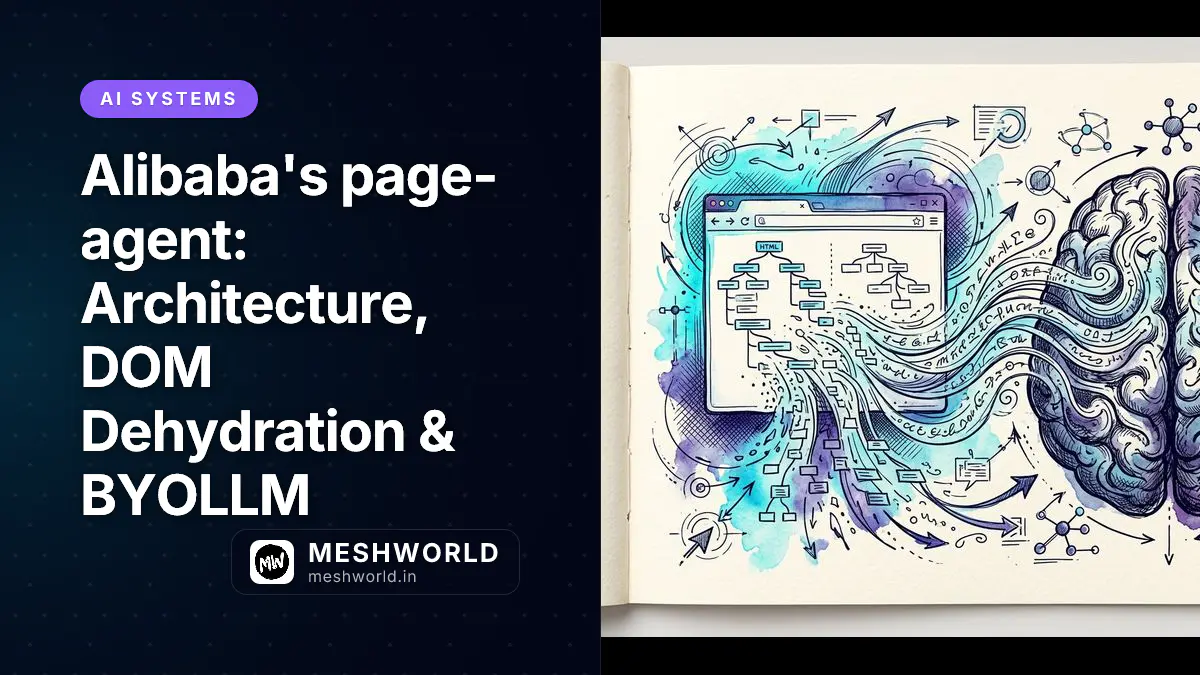
Alibaba’s page-agent changes how client-side browser automation works. Instead of controlling an external, headless browser process via Playwright or Puppeteer, page-agent runs directly within the active web application context, turning ordinary web pages into intelligent, agent-driven user interfaces.
As we covered in our breakdown of autonomous AI agent frameworks, moving decision-making directly into the target execution environment cuts network hops, eliminates multi-modal vision overhead, and reduces architectural complexity.
Core Architecture: How Does page-agent Differ from External Orchestrators?
Alibaba page-agent differs from external orchestrators by running directly as an in-page JavaScript library inside the active browser tab, whereas frameworks like Puppeteer or Playwright operate separate headless processes that require complex session synchronization and network interception pipelines.
Traditional browser automation tools launch a standalone headless browser instance. This approach needs complex session orchestration, network proxying, and continuous polling synchronization between the external control process and the target DOM.
page-agent flips this model completely. It operates as an in-page client-side JavaScript library. When embedded or injected into a web page, it executes inside the exact same window and event loop as the host application itself.
sequenceDiagram
    participant User
    participant App as Host Web Application
    participant Agent as page-agent (Client JS)
    participant Proxy as Secure Backend Proxy
    participant LLM as BYOLLM Endpoint

    User->>App: Submits Natural Language Task
    App->>Agent: Invokes PageController.execute()
    Agent->>Agent: Dehydrates DOM into Text BrowserState
    Agent->>Proxy: Sends BrowserState + Prompt Payload
    Proxy->>LLM: Forwards Prompt (API Key Appended)
    LLM-->>Proxy: Returns Structured Tool Call JSON
    Proxy-->>Agent: Returns Action Instructions
    Agent->>App: Executes Native DOM Events (click / input)
Session Inheritance: How Does page-agent Access Active Tab Context?
page-agent accesses active tab context by executing inside the browser window context, allowing it to automatically inherit active user authentication cookies, local storage tokens, and session state without credentials.
Because page-agent runs natively within the user’s active browser tab, it automatically inherits all existing authentication credentials, HTTP-only cookies, anti-CSRF tokens, and localStorage session state. Developers no longer need to write brittle login automation scripts or pass sensitive session tokens across process boundaries.
When operating inside complex enterprise portals—such as SAP, Salesforce, or custom internal dashboards—session inheritance eliminates 90% of authentication failure points common in external headless web bots.
DOM Dehydration: How Does Text Parsing Replace Screenshot Vision?
Text-based DOM dehydration replaces screenshot vision by traversing the active DOM tree, stripping non-interactive layout elements, and serializing visible interactive nodes into a structured, indexed plain-text object called BrowserState.
The core innovation of page-agent is its observation model. Traditional visual GUI agents capture full-page screenshots and process them using Vision-Language Models (VLMs). While versatile, vision pipelines are expensive, slow, and unpredictable on dense data tables.
page-agent replaces visual inspection with Text-Based DOM Dehydration:
- DOM Tree Traversal: The agent scans the interactive DOM tree, stripping invisible metadata, hidden SVG paths, and decorative layout elements.
- Interactive Node Extraction: Inputs, buttons, selects, links, and ARIA landmarks are extracted into indexed references.
- Plain-Text Serialization: The cleaned structure is flattened into a lightweight
BrowserStatetext object containing element indices and visible text. - Token Reduction: By converting complex visual elements into succinct text nodes, token overhead drops by 10x to 20x compared to multi-modal screenshot payloads.
// Conceptual DOM Dehydration Extraction Engine
interface BrowserStateNode {
  index: number;
  tagName: string;
  type?: string;
  id?: string;
  name?: string;
  placeholder?: string;
  text: string;
  isVisible: boolean;
  isInteractive: boolean;
}

// Example serialized text payload dispatched to LLM:
// [1] <input type="text" id="order-id" placeholder="Enter Order #">
// [2] <select id="shipping-method"> <option value="express">Express</option> </select>
// [3] <button id="submit-manifest-btn">Update Shipping Manifest</button>
Token Cost Analysis: How Much Do You Save Compared to Multimodal Models?
You save up to 90% in token consumption compared to multimodal models because text DOM dehydration generates lightweight 800-to-2,500 token prompts, whereas high-resolution vision screenshots require 10,000 to 20,000 tokens per execution step.
By converting complex visual element trees into succinct text representations, token overhead drops dramatically:
| Metric | Vision Screenshot Agent | Alibaba page-agent (Text DOM) | Efficiency Impact |
|---|---|---|---|
| Observation Payload | High-Res PNG / Base64 Image | Plain-Text BrowserState | 95% Smaller Payload Size |
| Token Count per Step | 12,000 – 18,000 tokens | 800 – 2,500 tokens | 10x – 20x Cheaper |
| Processing Latency | 3.5 – 6.0 seconds | 0.4 – 1.2 seconds | 4x Faster Turnaround |
| Data Extraction Accuracy | Probabilistic OCR Errors | Exact DOM Text Nodes | 100% Deterministic Text |
BYOLLM Paradigm: How Do You Route Instructions to Custom Endpoints?
You route instructions to custom endpoints by configuring PageController with any OpenAI-compatible API base URL, supporting cloud LLMs like GPT-4o or local models via Ollama and vLLM.
page-agent is strictly model-agnostic. It enforces a Bring Your Own LLM (BYOLLM) pattern, allowing teams to route agent instructions through any provider that exposes an OpenAI-compatible completion API.
- Cloud Endpoints: OpenAI (GPT-4o, GPT-4o-mini), Anthropic (Claude 3.5 Sonnet via proxy), Alibaba Qwen-Max.
- Local Private LLMs: Ollama (Qwen2.5-Coder, Llama 3.3, DeepSeek-R1), vLLM, LM Studio.
This flexibility allows enterprise teams to balance cost, privacy compliance, and latency based on their specific infrastructure requirements.
Frequently Asked Questions
Is page-agent a replacement for Puppeteer or Playwright?
No. Puppeteer and Playwright are headless server-side testing frameworks. page-agent is an in-page client JS library designed to empower end users or embedded copilots inside an active browser session.
How does DOM dehydration handle hidden or dynamic elements?
The dehydration engine checks element visibility using computedStyle and getBoundingClientRect(). Hidden elements are filtered out to keep the LLM context window clean.
Can page-agent be connected to local offline LLMs?
Yes. Using Ollama or vLLM, you can route DOM dehydration payloads entirely through an on-premise model, ensuring zero third-party data egress.