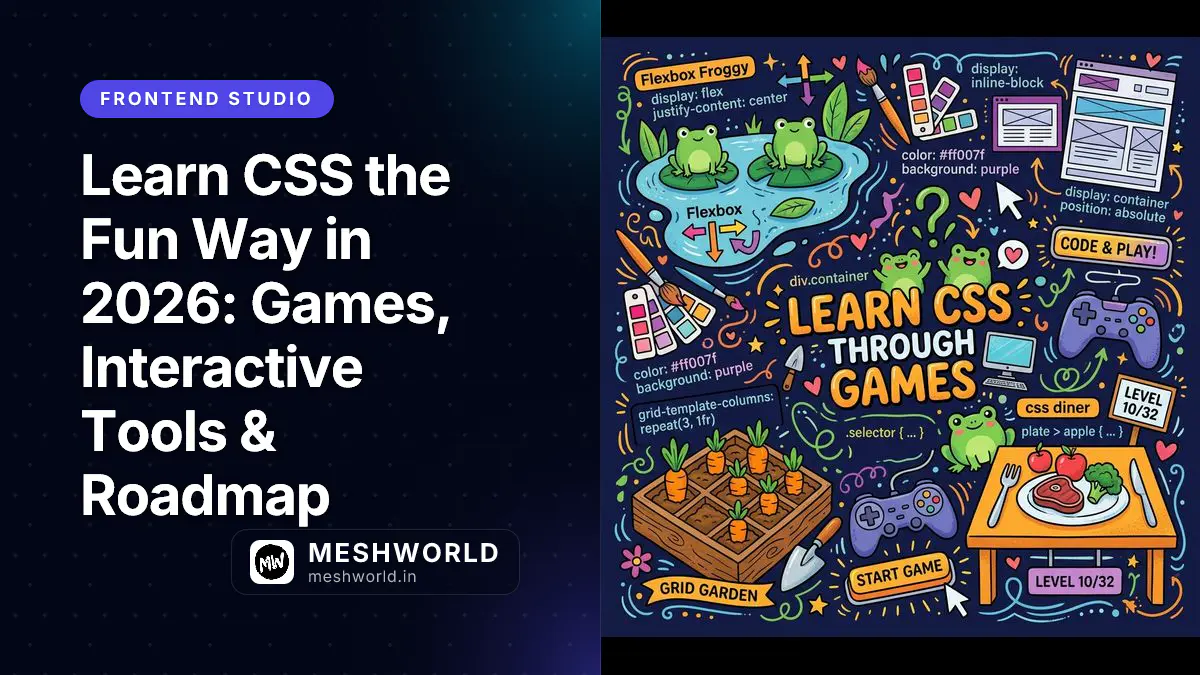
Learn CSS the Fun Way in 2026: Games, Interactive Tools & Roadmap
Originally published on VD Docs.
CSS can feel confusing when starting from a 500-page spec document or a dry textbook. Building on the foundational web development concepts covered in our previous guide on An Intro to HTML <kbd> Tag, a far better approach is to turn syntax into interactive visual games: solve puzzles, align items, water crops, and get instant feedback.
Why Learn CSS Through Interactive Games?
CSS layout properties become second nature when practiced through interactive visual games with immediate feedback loops. By pairing 20-minute daily games like CSS Diner, Flexbox Froggy, and Grid Garden with browser DevTools, self-taught developers can master selectors, 1D alignment, and 2D grids in one week.
What Are the Best Gamified CSS Tools in 2026?
| Tool | Best for | Pricing |
|---|---|---|
| CSS Diner | Selectors & Specificity practice | Free |
| Flexbox Froggy | 1D Flexbox layout alignment | Free |
| Grid Garden | 2D CSS Grid column & row placement | Free |
| CSSBattle Learn | Recreating visual shapes with CSS | Free |
| Coddy CSS | Guided interactive lessons with hints | Free |
| 4Geeks CSS Exercises | Auto-graded practice exercises | Free |
What Are the 4 Common Beginner CSS Pitfalls to Avoid?
- Using
!importantto fix specificity issues instead of fixing the cascade. Fix your selector order (ID>Class>Type). - Confusing
marginwithpadding. Margin is spacing outside the element boundary; padding is spacing inside. - Forgetting
box-sizing: border-box. Always set* { box-sizing: border-box; }globally so padding doesn’t inflate element width. - Not using Browser DevTools. Right-click any page → “Inspect” to tweak CSS properties live.
What Is the 1-Week Gamified CSS Roadmap?
- Day 1 (Selectors): Play CSS Diner (30 mins). Master
#id,.class, and parent-child selectors (ul li). - Day 2 (Flexbox): Play Flexbox Froggy (30 mins). Learn
justify-content,align-items, andflex-direction. - Day 3 (DevTools): Open browser DevTools on your favorite site. Inspect & edit styles live (20 mins).
- Day 4 (CSS Grid): Play Grid Garden (30 mins). Learn
grid-template-columnsandgrid-column: span. - Day 5 (Box Model): Practice on Coddy or 4Geeks (30 mins). Lock in
border-boxand spacing. - Day 6 (Shape Challenges): Solve 2 targets on CSSBattle Learn (30 mins). Focus on visual accuracy.
- Day 7 (Build & Deploy): Build a simple landing section with a button hover state and deploy it live to GitHub Pages.
Frequently Asked Questions
How long does it take to learn basic CSS using games?
With 20-30 minutes of focused play per day, most self-taught developers can master selectors, Flexbox, and Grid layouts in 7 to 10 days.
Are interactive CSS games completely free to play?
Yes, core games like CSS Diner, Flexbox Froggy, Grid Garden, and CSSBattle Learn are completely free to use without requiring registration.
Can I build real websites after completing CSS Froggy and Grid Garden?
Games teach core layout mechanics. Once completed, pair your knowledge with real project builds (like personal portfolio sites or landing pages) using browser DevTools.
Want the Complete 4-Week Deep Dive?
Check out our full guide with extended tool comparison tables, direct links, and a 4-week structured curriculum: