Modern web browsers are the central operating environment for developers, designers, and digital knowledge workers. However, stock new-tab pages and default browser settings are designed around advertisement inventory and generic feeds rather than deep work. The iScreen Productivity Suite transforms Chromium-based browsers into high-speed, distraction-free workspaces.
Built on Chrome Manifest V3, Vue 3, and a zero-telemetry local storage architecture, iScreen provides a modular ecosystem of customized widgets, aggressive tab memory management, search omnibox routing, and habit-building focus tools.
The iScreen Architecture Overview
Unlike monolithic browser extensions that slow down new-tab initialization, iScreen uses a decoupled messaging architecture (@iscreen/core/messaging) and asynchronous local IndexedDB caches. Every component runs locally on your machine with zero remote tracking or analytics.
+-------------------------------------------------------------------+
|                        iScreen Core Engine                        |
+-------------------------------------------------------------------+
       |                  |                  |                  |
       v                  v                  v                  v
+--------------+   +--------------+   +--------------+   +--------------+
|   New Tab    |   | Search & Bang|   | Tab Memory   |   | Focus Mode & |
|  Dashboard   |   |   Routing    |   | Deduplicator |   | Daily Quotes |
+--------------+   +--------------+   +--------------+   +--------------+
       |                  |                  |                  |
       +------------------+------------------+------------------+
                                  |
                                  v
                   +-----------------------------+
                   |  IndexedDB & Sync Storage   |
                   +-----------------------------+
Complete iScreen Suite Modules
The iScreen ecosystem is divided into seven core modules. Explore the dedicated deep-dive guides for each module below:
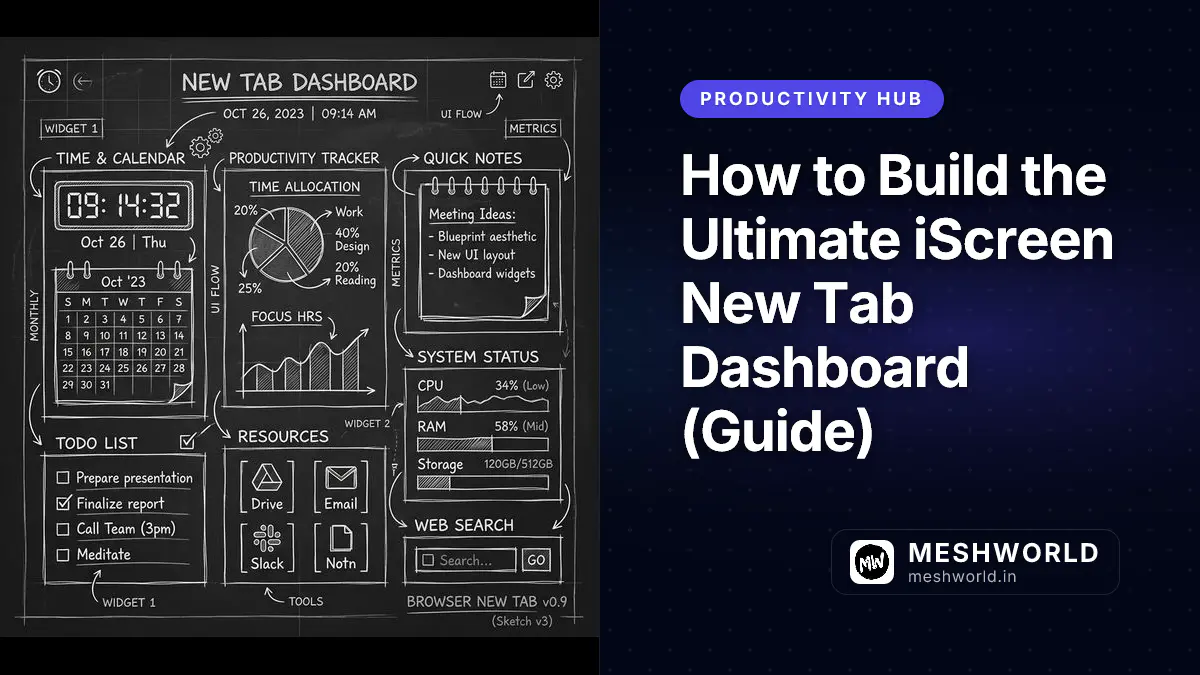
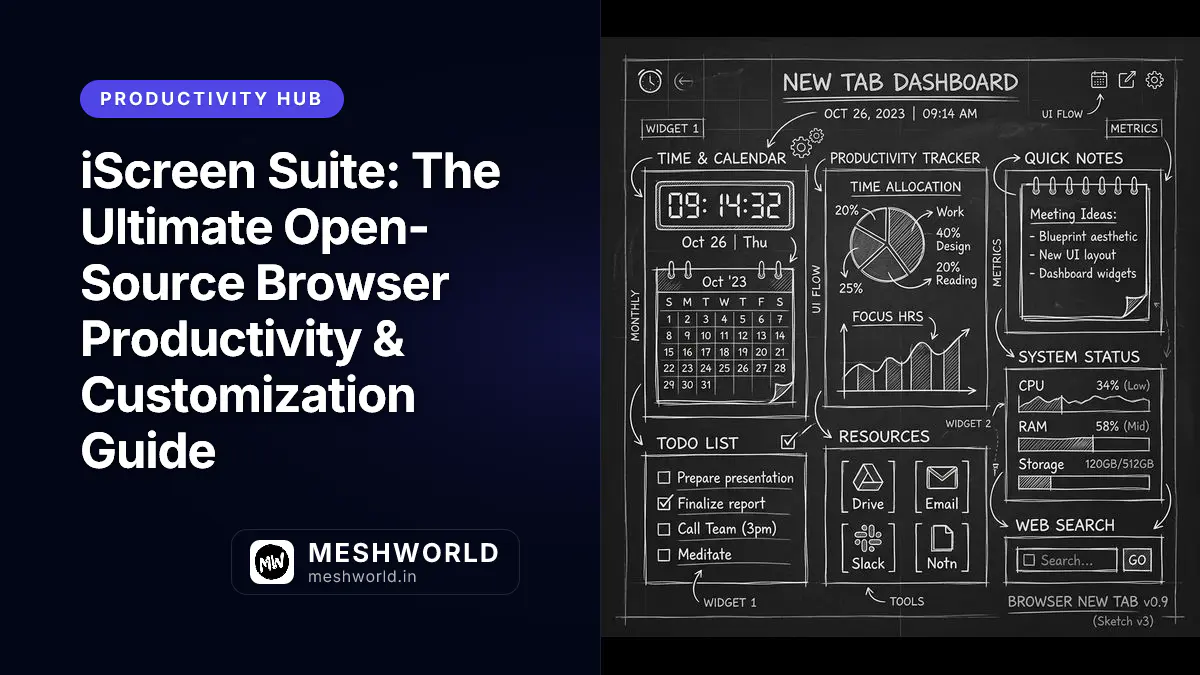
1. New Tab Dashboard (NTE)
Turn your browser launchpad into an organized Bento grid. Customize card placements, border radii, glassmorphism backdrop blurs, and quick action bars. 👉 Read the New Tab Dashboard Guide
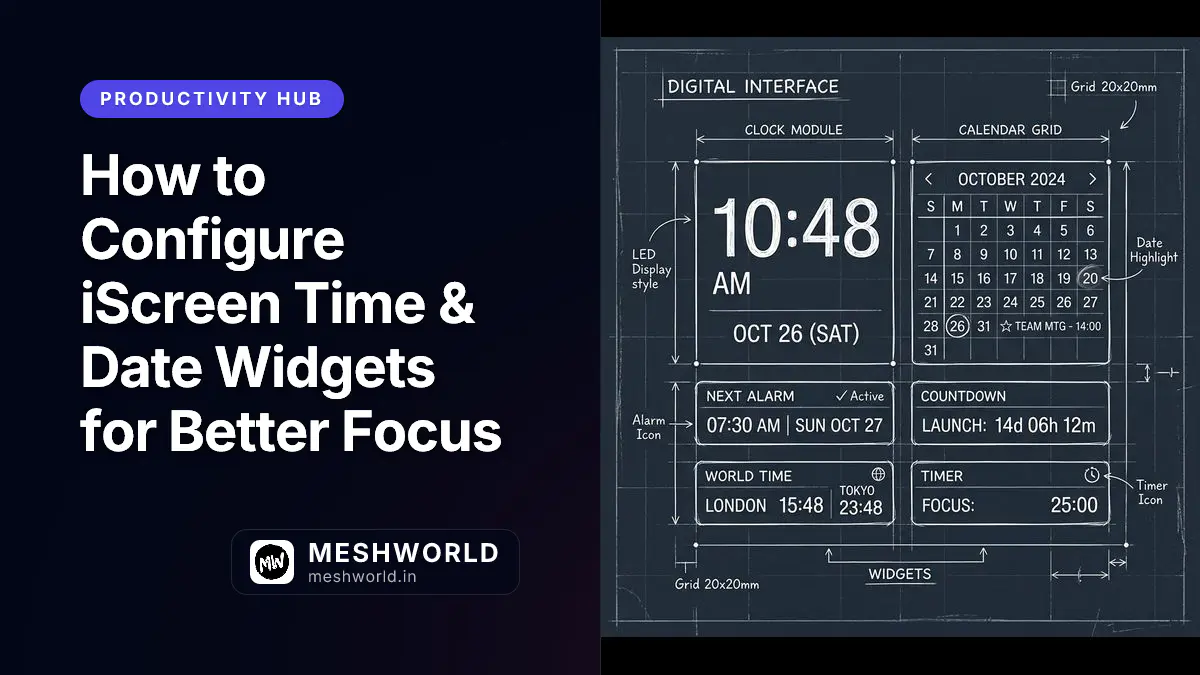
2. Time & Date Widgets
Configure digital, analog, and UTC clocks, customizable time zone converters, and Pomodoro timers directly inside your new tab view. 👉 Explore Time & Date Widget Customization
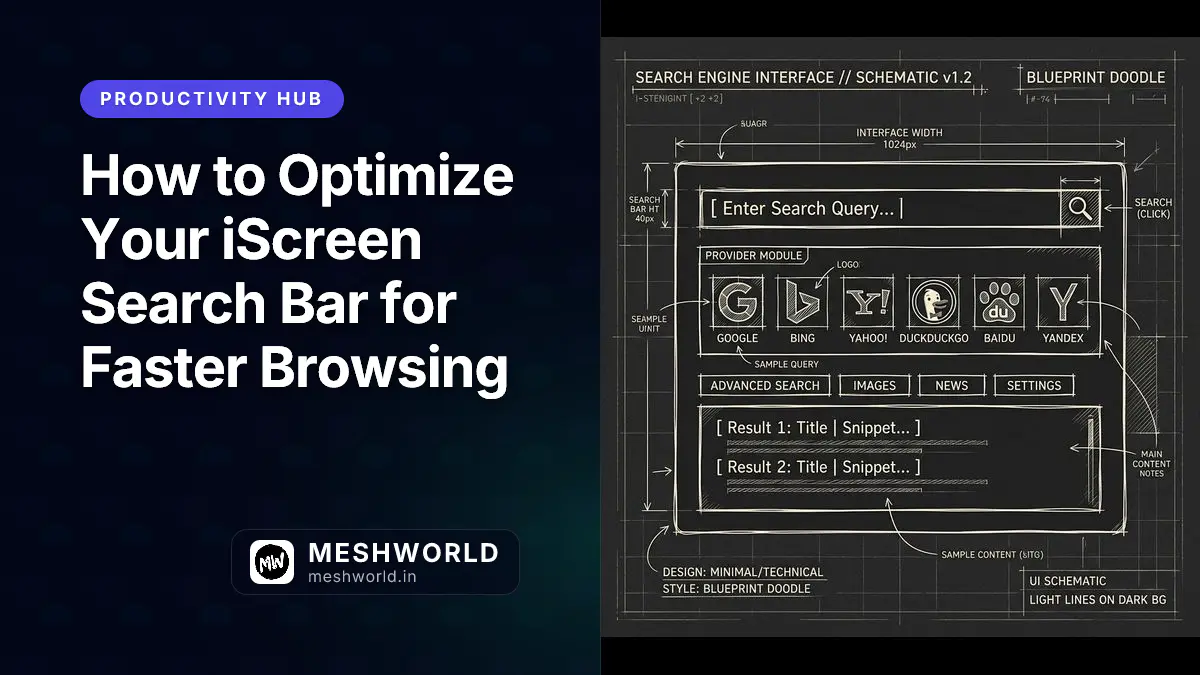
3. Search Engine & Omnibox Routing
Eliminate search friction with custom bang shortcuts (e.g. npm , gh , ddg ) and local regex query routing without tracking.
👉 Master Search Engine Routing & Shortcuts
4. Wallpaper & Background Engine
Fetch high-resolution wallpapers from Unsplash and Bing with intelligent caching and automated local storage garbage collection under 50MB. 👉 Configure Wallpaper Providers & Caching
5. Focus Mode & Daily Quotes
Shield your attention during deep work sessions by hiding non-essential widgets and displaying curated motivational quotes and Pomodoro countdowns. 👉 Set Up Focus Mode & Motivational Feeds
6. Tab Duplicate Remover (TDR) & FAB Themes
Reclaim gigabytes of system RAM with automated tab deduplication and floating action button (FAB) visual indicators across 30+ themes. 👉 Learn Tab Duplicate Removal & FAB Styling
7. Quick Links & Bookmark Launcher
Replace clutter with visual, drag-and-drop bookmark grids, custom icons, category folders, and instant Ctrl+K spotlight search.
👉 Organize Your Quick Links & Launchpad
Related Developer Tools & Productivity Guides
For power users looking to integrate iScreen into a broader developer environment:
- Keyboard Workflows: Combine iScreen launchpads with system shortcuts using our macOS Shortcuts Cheat Sheet and VS Code Keyboard Shortcuts.
- Browser Alternatives: Comparing iScreen tab management with Arc Spaces? Read our Arc Browser Cheat Sheet.
- Image Optimization: Compress custom wallpapers before uploading using our Squoosh Image Optimization Guide.
- Security & Privacy: Pair zero-telemetry search routing with top privacy tools in our Privacy-First Password Manager Guide.
Frequently Asked Questions
Is iScreen free and open source?
Yes, iScreen is open source and licensed for personal and enterprise use. All settings and data are stored locally in your browser storage.
How does iScreen impact browser memory and startup time?
iScreen is engineered for instant initialization under 15ms. By lazy-loading background scripts and aggressively deduplicating tabs via TDR, it lowers overall browser memory consumption.