Your Node.js app is running in a container with 512MB of RAM. Then it dies. OOM. The container gets destroyed along with every clue about what caused it. Sound familiar?
Container memory leaks are a pain to debug because the evidence vanishes the moment the crash happens. This guide walks through setting up automatic V8 heap snapshots, exposing the Node inspector safely, and pulling diagnostics without taking anything down.
Why Containers OOM Differently
Node.js normally sets its heap size based on the system’s total RAM. Inside a container, it doesn’t always see the cgroup limits — so it tries to grab memory from the host, not the container.
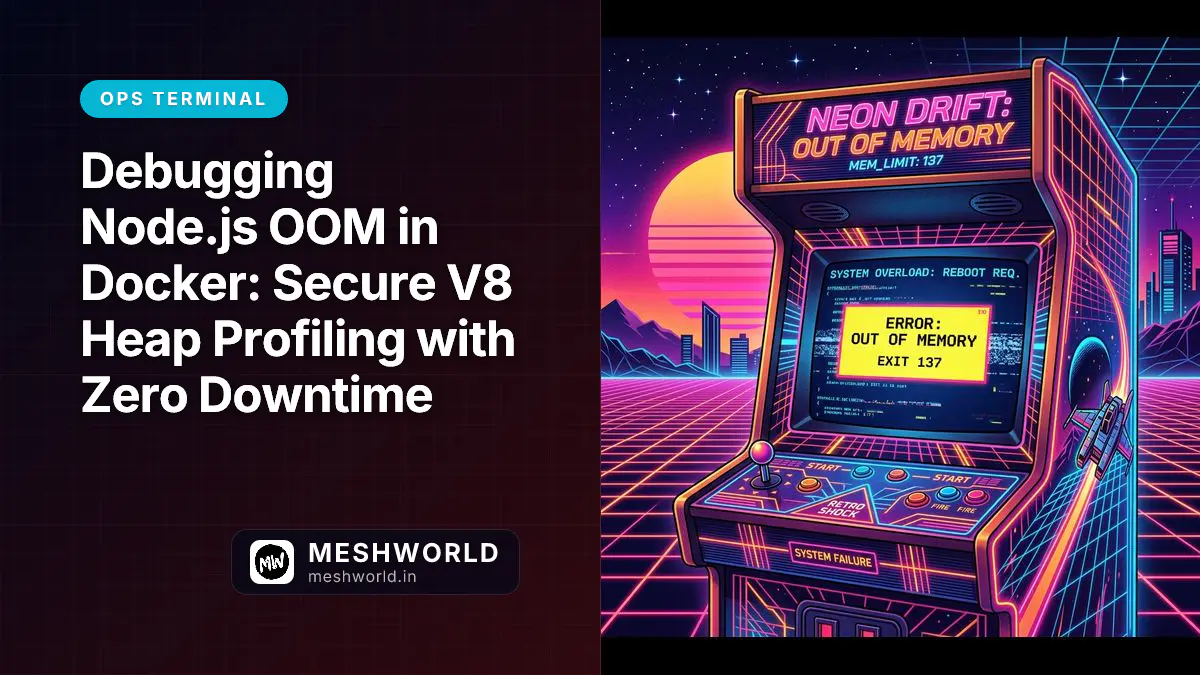
When Node’s heap hits the container’s hard limit, the Linux kernel’s OOM killer steps in and kills the process (Exit Code 137). No GC warning. No panic log. Just a dead container:
Memory Leak Progression:
[Active Allocations] --> [Exceeds Container Limit] --> [Linux Kernel OOM Killer] --> [Container Destroyed (Exit Code 137)]
                                                                                                |
                                                                                     No Diagnostic Data Saved!
The fix: align Node’s heap limit with your container limit and set up automatic snapshots so you catch the evidence before the OOM hits.
Step 1: Cap the Heap and Enable Auto-Dumps
First, tell Node to cap its heap before the container runs out of memory. You do this with two V8 flags.
# Dockerfile
FROM node:20-alpine

WORKDIR /app
COPY . .

# Cap at 400MB for a 512MB container, auto-dump snapshot at 90%
ENV NODE_OPTIONS="--max-old-space-size=400 --heapsnapshot-near-heap-limit=1"

EXPOSE 3000
CMD ["node", "server.js"]
What these do:
--max-old-space-size=400— limits V8’s heap to 400MB. Leaves 112MB of headroom for thread stacks, buffers, and system stuff.--heapsnapshot-near-heap-limit=1— tells V8 to write a.heapsnapshotfile when the heap hits 90%. This fires before the OOM killer, so you actually get data.
Step 2: Expose the Inspector Securely
Auto-dumps catch crash data. But if you want to watch memory grow in real time, you need the V8 inspector connected to a live app. The trick is doing this without opening a security hole.
Start Node with the inspector bound to localhost only:
node --inspect=127.0.0.1:9229 server.jsPort 9229 is locked to the loopback interface. No external network can touch it.
To connect from your machine, tunnel in over SSH:
ssh -N -L 9229:127.0.0.1:9229 user@target-production-server.comThis forwards your local 9229 through an encrypted SSH connection straight to the container’s loopback. If you haven’t set up SSH shortcuts yet, check out SSH Config & Aliases: The Developer’s Connection Kit — it’ll save you time.
Step 3: Capture and Analyze the Snapshot
With the SSH tunnel active, you can now grab live heap data from your local browser.
- Open Chrome and go to
chrome://inspect. - Under Remote Target, find your Node.js instance and click Inspect.
- Open the Memory tab.
- Hit Take heap snapshot.
Chrome DevTools Memory Panel:
[Profiles] --> [Take Heap Snapshot] --> [Comparison View] --> [Identify Large Closures]
                                                                         |
                                                                Pinpoint Leaking Array!
Take two snapshots, 5 minutes apart. Switch to Comparison view and sort by # Delta. You’ll see exactly which objects, event listeners, or database connection arrays are growing and never getting cleaned up.
Frequently Asked Questions
What is the overhead of running Node with —inspect enabled?
Negligible under normal conditions. CPU and RAM only tick up when a debugger client is actively connected and profiling.
Can I save heap snapshots directly to an external volume?
Yes. Use the --heapsnapshot-dir flag to point V8 at a specific folder:
node --heapsnapshot-dir=/app/diagnostics server.jsMap /app/diagnostics to a persistent Docker volume and snapshots survive container restarts.
How do I troubleshoot memory leaks in production without SSH access?
If you can’t SSH in, capture heap dumps programmatically through an API endpoint:
const v8 = require('v8');
const fs = require('fs');

app.get('/api/admin/heapdump', (req, res) => {
  const snapshotPath = `./snapshot-${Date.now()}.heapsnapshot`;
  const stream = v8.getHeapSnapshot();
  const fileStream = fs.createWriteStream(snapshotPath);
  stream.pipe(fileStream);
  fileStream.on('finish', () => res.download(snapshotPath));
});
Lock this endpoint behind strong auth. You don’t want anyone reading your process memory.