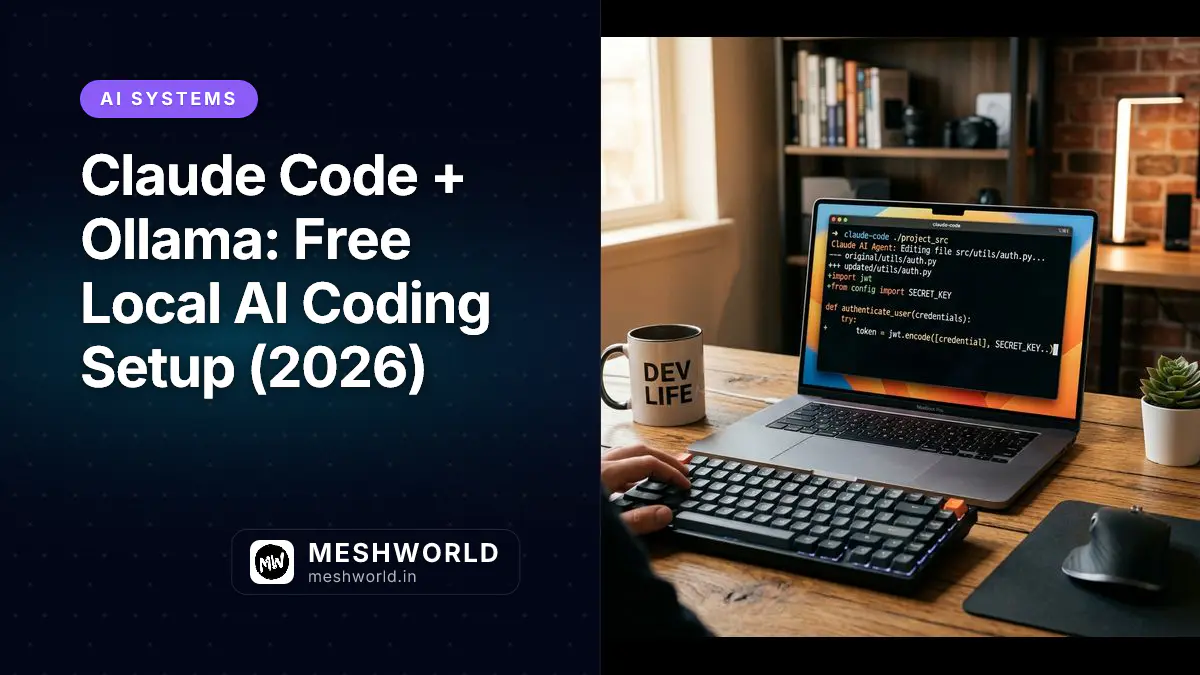
Claude Code connects to either Anthropic’s cloud or a local Ollama model. Swap in Ollama and you get zero API costs, full offline capability, and your code never leaves your machine. This guide walks through the complete setup for 2026 — installation, env vars, model selection, and the gotchas that’ll trip you up if you don’t know them.
Prerequisites
Before you start:
- macOS, Linux, or Windows (WSL recommended on Windows)
- 8 GB RAM minimum (16 GB recommended for larger models)
- 20 GB free disk space
- GPU (optional but strongly recommended): Apple Silicon, NVIDIA, or AMD. GPU inference is 5–20x faster than CPU.
Check your GPU if you have one:
nvidia-smiYou should see your GPU listed with VRAM and CUDA version. If not, Ollama falls back to CPU — still works, just slower.
How Do You Install Ollama for Claude Code?
You install Ollama by downloading the native installer for macOS/Windows or executing the official single-command curl shell script on Linux.
Ollama runs as a background service that manages your models and exposes an HTTP API. Once it’s running, Claude Code talks to it the same way it talks to Anthropic’s servers.
macOS / Windows: Download the installer from ollama.com.
Linux (single command):
curl -fsSL https://ollama.com/install.sh | shVerify the install:
ollama --version
# ollama version 0.14.5 or laterWhich Model Should You Pull for Local Claude Code Execution?
You should pull glm-4.7-flash for high-speed 128K context execution or qwen2.5-coder:7b for machines with less than 8 GB VRAM.
# Recommended for 16GB RAM / 8GB VRAM
ollama pull glm-4.7-flash

# Recommended for low VRAM (8GB or less)
ollama pull qwen2.5-coder:7b
How Do You Configure Claude Code Environment Variables?
You configure Claude Code to use Ollama by setting ANTHROPIC_BASE_URL to point to your local Ollama endpoint.
export ANTHROPIC_BASE_URL="http://localhost:11434"
export ANTHROPIC_AUTH_TOKEN="ollama"
export ANTHROPIC_API_KEY=""Frequently Asked Questions
Is running Claude Code with Ollama completely free?
Yes. Running Claude Code with a local Ollama model executes model inference entirely on your local hardware, incurring zero Anthropic API costs.
Does tool calling and file editing work with local Ollama models?
Yes. As long as you use a tool-capable model like glm-4.7-flash or qwen2.5-coder, Claude Code can edit files, run bash commands, and perform local project searches.
What is the minimum VRAM required for local AI coding?
A 7B parameter model like qwen2.5-coder:7b requires approximately 4-5 GB of VRAM for smooth local inference.
Summary
Running Claude Code with Ollama provides zero-cost, privacy-first local AI coding.
For details on setting up page-agent client proxies, explore Darsh’s page-agent quickstart guide.