
#Terminal.
Explore Terminal articles, tutorials, guides, and code examples on MeshWorld India. Learn best practices, get practical tips, and level up your Terminal skills.
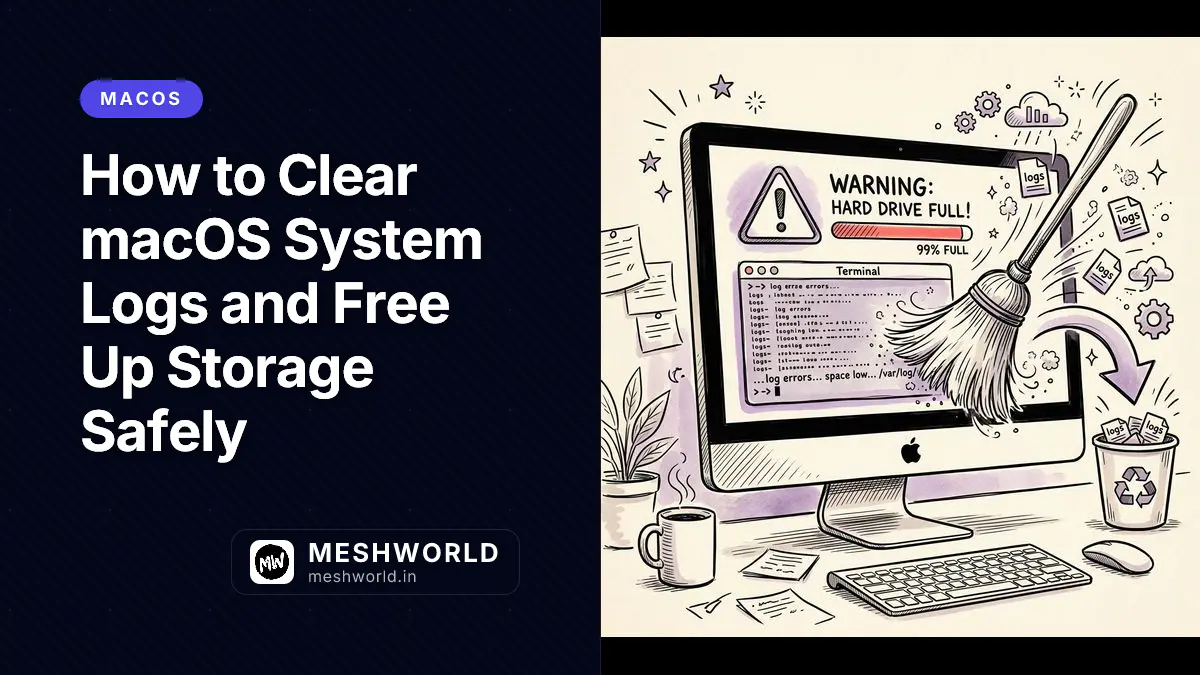
How to Clear macOS System Logs and Free Up Storage Safely
Unpack the macOS Unified Log architecture. Learn safe logd management, console queries, local snapshot clearing, and how to reclaim space without breaking diagnostics.


Ollama & Local LLM Management Cheatsheet: Self-Hosted AI Guide
Master local LLM operations with Ollama. Learn core CLI commands, custom Modelfile syntax, GPU environment tuning, and REST API integrations.

uv Cheat Sheet: The Fast Python Package Manager (2026)
Complete uv reference — install packages, manage projects, run scripts, pin Python versions, and migrate from pip, poetry, and pyenv with working commands.

Warp Terminal Cheat Sheet: Shortcuts, Workflows & AI Features
Complete Warp reference — block-based terminal, command palette, workflow commands, AI autocomplete, custom themes, and team features in 2026.
Homebrew Cheat Sheet: Every Command macOS Devs Need
Complete Homebrew reference for macOS and Linux — install, update, cask, services, Brewfile, troubleshooting, and pinning versions with working commands.
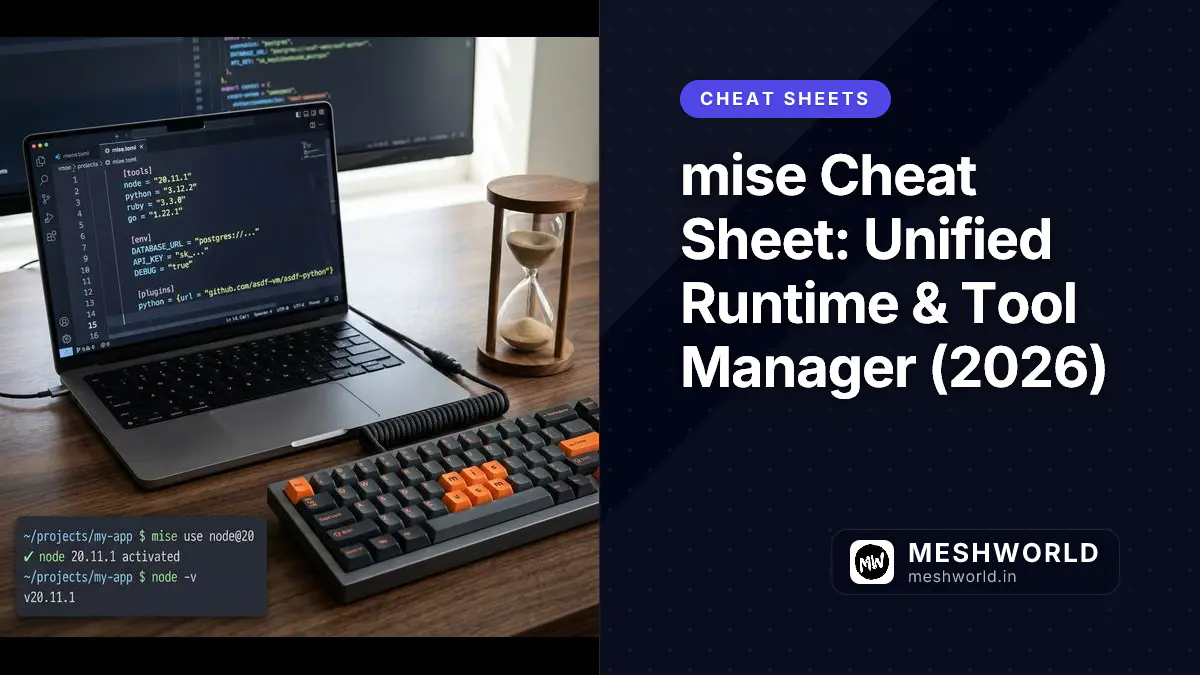
mise Cheat Sheet: Unified Runtime & Tool Manager (2026)
Complete mise reference — install and switch Node, Python, Rust, Go versions, manage tools, activate via shell, Docker, and CI/CD with working commands.

FFmpeg Cheat Sheet: Convert, Compress & Edit Video
Task-first FFmpeg reference — convert formats, compress for web, trim clips, extract audio, create GIFs, and batch-process video with working commands.
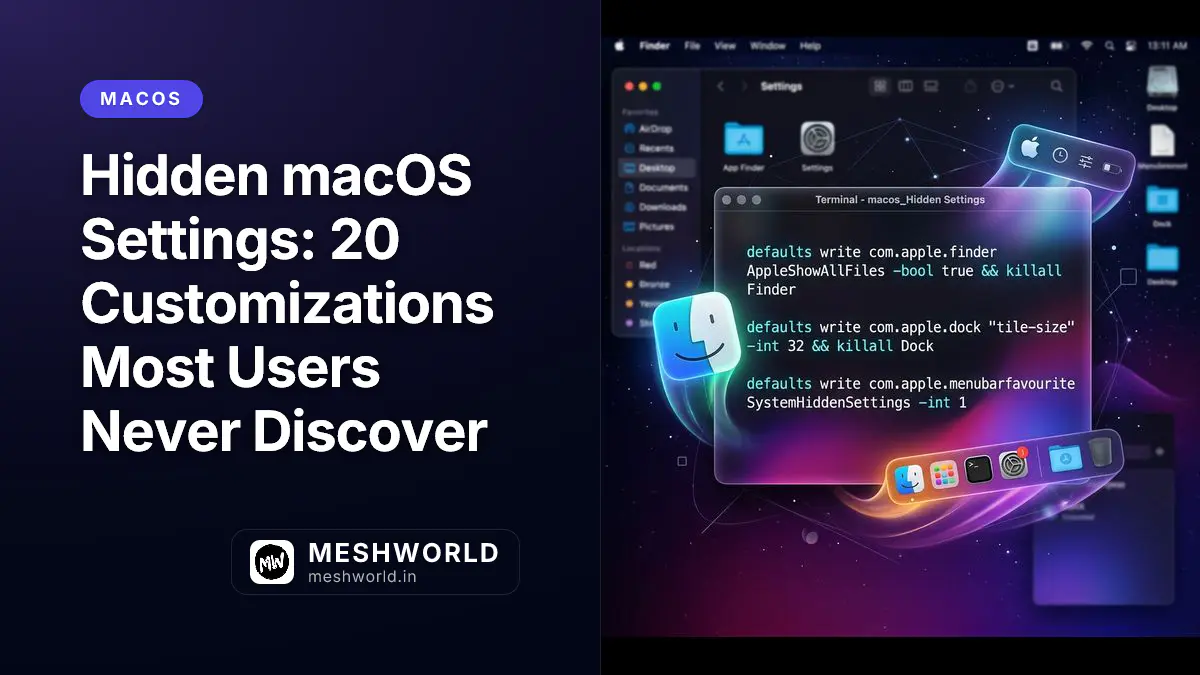
Hidden macOS Settings: 20 Customizations Most Users Never Discover
Unlock the full potential of your Mac with hidden preferences, Dock customization, Terminal tweaks, and advanced system settings that power users rely on.
Micro Editor: The Modern Terminal Editor for Everyone
Get started with Micro — a modern terminal editor with mouse support, syntax highlighting, and familiar shortcuts. Easier than vi, more powerful than nano.

curl vs wcurl: When to Use the Wrapper vs Raw curl
Ubuntu replaced wget with wcurl—a curl wrapper. Learn when to use wcurl for simple downloads and when you still need raw curl for full control.
wget vs curl: When to Use Each (Complete Guide)
Learn the real differences between wget and curl. When to use wget for downloads and site mirroring, and when to reach for curl for APIs and HTTP debugging.
Tmux + Terminal Editors: Keep Your Sessions Alive
Master tmux with vi/nano/emacs — create persistent editing sessions, multiple editor windows, and never lose work when your connection drops.

SSH Remote File Editing: Edit Files on Servers Like a Pro
Master remote file editing — SSH into servers, edit files with vi/nano/emacs, use local editors remotely, and handle common remote editing scenarios.
How to Handle Git's Default Editor: Commit, Abort, and Configure
Master Git's editor prompts — write commit messages, abort commits, change the default editor, and use one-liner commits without opening an editor.

Terminal Text Editors Compared: vi/vim vs Nano vs Emacs
Choose the right terminal text editor — compare vi/vim, Nano, and Emacs by learning curve, power, use cases, and when to use each one.
How to Exit Emacs: Save, Quit, and Force Close
Complete guide to exiting GNU Emacs — save changes, quit without saving, force quit, cancel operations, and handle common stuck scenarios.
How to Exit Nano: Save, Quit, and Force Close
Complete guide to exiting Nano editor — save changes, quit without saving, force quit, and handle common stuck scenarios with clear examples.
How to Exit vi and Vim: Save, Quit, and Force Close
Complete guide to exiting vi/vim — save changes, quit without saving, force quit, and handle common stuck scenarios with clear examples.
Terminal Basics for macOS: Essential Commands
Unlock the command line without fear. Learn essential Terminal commands, create aliases, customize your shell, and automate tasks that are impossible in the GUI.
Zsh + Oh My Zsh: The Ultimate Terminal Setup Guide
Transform your terminal with Zsh and Oh My Zsh — themes, plugins, aliases, and productivity hacks. From boring bash to powerful command line.
SSH Config & Aliases: The Developer's Connection Kit
Master SSH configuration — host aliases, jump hosts, key management, port forwarding, and secure connections. Save time with ~/.ssh/config automation.
jq Cheat Sheet: JSON Filtering, Transformation & CLI Syntax (2026)
Complete jq reference covering JSON formatting, property extraction, array slicing, object construction, conditional filtering, and slurp mode.
Git Cheat Sheet: Every Command You Actually Need (2026)
Complete modern Git reference covering configuration, staging, switching branches, worktrees, interactive rebasing, stashing, and undoing mistakes.
Tmux Cheat Sheet: Sessions, Panes, Windows & Config (2026)
Complete Tmux reference covering session management, window switching, pane splits, TPM plugin manager, and modern .tmux.conf configurations.
Linux & Bash Cheat Sheet: Terminal Commands & Scripting (2026)
Complete Linux & Bash reference covering navigation, file manipulation, permissions, processes, networking, cron jobs, SSH, pipes, and shell scripting.
Vim Cheat Sheet: Modes, Navigation, Editing & Config (2026)
Complete Vim & Neovim reference covering modal editing, navigation, search-replace, text objects, split panes, tabs, marks, macros, and starter configs.
How to Exit Vim, Vi, and Nano (Step by Step)
Stuck in Vim? Here is exactly how to save and exit, quit without saving, and force-quit Vim, Vi, and Nano — with every command you need and why they work.
Git Worktree Guide: Work on Multiple Branches Simultaneously
Stop stashing mid-feature for hotfixes. Learn how to use Git worktree to check out multiple branches into separate folders with real-world workflow examples.
SSH & GPG Cheat Sheet: Keys, Tunnels & Signed Commits
Complete SSH and GPG reference — key generation, ssh-agent, config file aliases, port forwarding, database tunneling, GPG signing, and signed git commits.

Regex Cheat Sheet: Patterns, Groups & Real-World Examples
Master regular expressions with this guide to anchors, groups, lookaheads, and quantifiers. Includes real-world patterns for emails, URLs, and passwords.

How to Set Up WSL2 for Windows Developers
WSL2 setup for Windows developers. Learn how to install Linux on Windows, configure Docker and VS Code, and optimize performance for a seamless experience.
I Deleted My Code with git reset --hard. git reflog Saved It.
True story: running git reset --hard on the wrong branch wiped a week of work. Here is how git reflog recovered it all.
Configure Git User Name and Email via Terminal
Learn how to set your global Git username and email via the terminal. Ensure every commit is correctly associated with your identity using simple commands.
Restart Docker Container
This article explains about deletion of a local branch from git using terminal. Also includes explanation about deleting branch forcefully.
Delete Local Git Branch Using Terminal
Learn to delete local Git branches safely using terminal commands. Master git branch -d, -D flags, and cleanup workflows for maintaining a clean repository.
Show or Hide Absolute Line Numbers in Vim Editor
Master line number visibility in Vim. Learn the commands for absolute, relative, and hybrid line numbers to improve your navigation speed in the terminal.