The Scenario: You’re deep into a massive refactor. You’ve got 40 tabs open, three separate language servers fighting for your CPU, and you’ve just pasted a 200MB log file into a new buffer. Suddenly, VS Code’s UI freezes. The “Extension Host is Unresponsive” toast appears. You realize that while VS Code is the “safe” choice, it might not be the best choice for the high-velocity, AI-driven reality of 2026.
VS Code alternatives have gotten genuinely interesting. For years the answer was “just use VS Code” — the extension ecosystem was too big, the tooling too well-integrated. That’s still mostly true. But three things have shifted the conversation: AI-native editors that ship agent workflows VS Code has to bolt on, performance-focused tools that make a case against Electron, and privacy-conscious developers who’d rather not run Microsoft telemetry on every keystroke.
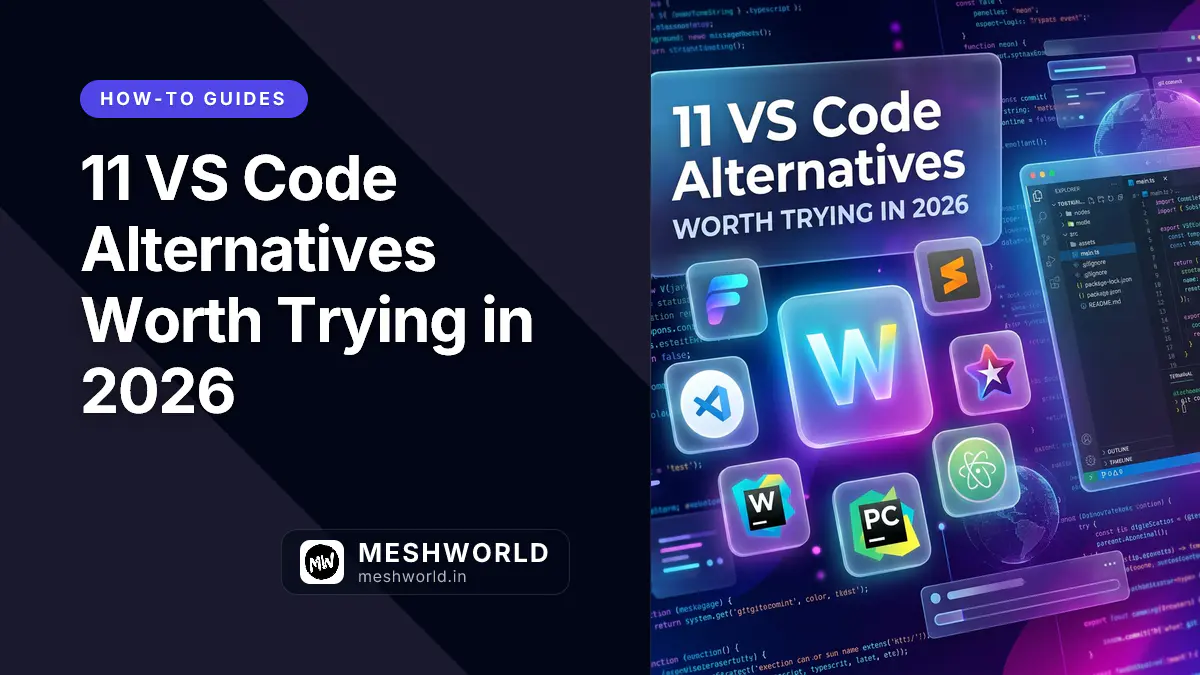
If any of those apply to you, these eleven VS Code alternatives are worth your time in 2026.
1. Is Cursor the new standard for AI coding?
Cursor is built by Anysphere and is, at this point, the dominant commercial AI code editor. Cursor 3 shipped in April 2026 with parallel agent execution, Design Mode for precise UI targeting, and a model roster that includes GPT-5.2, Opus 4.6, Gemini 3 Pro, and Cursor’s own fine-tuned models.
It’s not a VS Code fork in any meaningful sense anymore. It’s VS Code’s UI wrapped around a fundamentally different workflow model.
The Scenario: You’re refactoring a large codebase across multiple files simultaneously. In VS Code, this is you and Copilot taking turns. In Cursor, you describe the refactor and agents work across all the relevant files in parallel while you review diffs.
What it does well: The parallel agent system is real, not marketing. Design Mode for targeting specific UI elements without writing selectors is a legitimately new idea.
Where it falls short: Paid plans start to matter quickly. Heavy agent usage burns through API credits fast.
2. Does Windsurf’s Cascade system actually work?
Windsurf came out of the Codeium team and was acquired by Cognition AI in late 2025. Its core feature is Cascade — a multi-step AI agent that can coordinate changes across files without you having to direct each step.
The Scenario: You tell Windsurf to “add authentication to this Express app.” Cascade reads the codebase, figures out what’s there, creates the middleware, updates the routes, adds the env var documentation, and writes a basic test — without you specifying each step.
What it does well: Cascade is genuinely good at multi-file tasks. The free tier is real (not a 30-day trial). Arena Mode for comparing model outputs side by side is incredibly useful.
Where it falls short: The agent can occasionally make overly broad changes if you’re not specific about scope.
3. Is Trae the best free alternative for solo devs?
Trae is ByteDance’s answer to the AI-native editor wave. It’s positioning itself as “The Real AI Engineer.” Released in early 2025, Trae is built for “vibe coding”: you describe what you want in natural language, and Trae generates production-ready code. It’s free and comes with access to Claude 3.7 and GPT-4o out of the box.
What it does well: It’s completely free with access to top-tier models. The vibe coding workflow genuinely works for rapid prototyping.
Where it falls short: Privacy concerns are real — ByteDance telemetry with 5-year data retention and no opt-out is a non-starter for many enterprises.
4. Can Google Antigravity coordinate multiple agents?
Google Antigravity is the search giant’s entry into the AI-native IDE space, built with an agent-first philosophy. Launched in 2026, it’s designed around coordinating multiple AI agents to work on different aspects of your project simultaneously.
The standout feature is the Agent Manager — you can spin up specialized agents for frontend, backend, testing, and deployment, all working in parallel.
The Scenario: You spin up agents for the React frontend, FastAPI backend, and PostgreSQL schema design. While you review the frontend proposals, the backend agent is already building endpoints.
What it does well: Multi-agent coordination is genuinely powerful. Autonomous debugging detects and suggests fixes without prompting.
Where it falls short: It’s deeply tied into the Google ecosystem. If you’re not using GCP, some features feel half-baked.
5. Is Zed’s Rust-based performance worth the switch?
Zed is built in Rust by the team that made Atom. It’s fast in a way that Electron-based editors simply aren’t. 94ms startup time with 30+ plugins loaded. Real-time multiplayer collaboration is built into the core.
The Scenario: Your team does a lot of pair programming. In Zed, your colleague is in the same buffer with zero-latency cursor presence — same as Figma, but for code.
What it does well: Nothing else starts that fast or renders that smoothly. The multiplayer model is architecturally clean.
Where it falls short: The extension ecosystem is smaller than VS Code’s. If you depend on niche plugins, you’ll hit gaps.
6. Should terminal power-users stick with Neovim?
Neovim won “most admired editor” in the 2025 Stack Overflow survey. It’s a terminal-based modal editor configured in Lua. The learning curve is steep, but the efficiency for keyboard-driven workflows is unmatched.
The Scenario: You SSH into a production server to debug a critical issue. With your local Neovim config, your muscle memory makes terminal editing fast and precise.
What it does well: Speed, full keyboard control, and infinite customizability.
Where it falls short: The time investment is massive. Expect a month before you’re as productive as you were in VS Code.
7. When is Sublime Text still the better choice?
Sublime Text is a C++ native text editor that has been fast since 2008 and is still fast in 2026. It handles files that crash Electron editors without breaking a sweat.
The Scenario: You’re editing a 200MB log file. VS Code slows to a crawl. Sublime opens it immediately and lets you search and filter without lag.
What it does well: Speed on large files, low memory footprint, and rock-solid reliability.
Where it falls short: No built-in AI features. It’s a pure code editor, not an AI agent IDE.
8. Is VSCodium the best choice for privacy?
VSCodium is VS Code with Microsoft’s telemetry, tracking, and branding removed. If you care about privacy but want the VS Code workflow, this is the version for you.
What it does well: Identical UX to VS Code, minus the tracking. Open-source and free.
Where it falls short: Some Microsoft-exclusive extensions (Copilot, Live Share) don’t work out of the box without workarounds.
9. Is Nova the best native editor for Mac users?
Nova is built by Panic for macOS only. It’s a native app — not Electron — which means it respects macOS conventions and doesn’t eat RAM like a browser tab.
What it does well: Native performance, polished UI, and genuine macOS integration.
Where it falls short: macOS only. Small extension ecosystem. No serious AI integration.
10. Can JetBrains IDEs handle complex codebases better than VS Code?
JetBrains IDEs (IntelliJ, PyCharm, etc.) are built around deep language understanding. In 2026, they’ve integrated AI across the suite to handle refactoring and analysis at a level generic editors can’t match.
The Scenario: You’re onboarding onto a legacy Java monorepo with 500K+ lines of code. JetBrains understands the call hierarchy and type relationships better than any extension.
What it does well: Deepest language-specific support. First-class debugging and profiling tools.
Where it falls short: Heavy. Memory usage and startup times are significantly higher than VS Code.
11. Is Pear AI a viable open-source alternative to Cursor?
Pear AI is the free, open-source answer to Cursor. Built by a community that wanted AI-assisted coding without subscription fees, it’s a VS Code fork that brings agentic features to your desktop at zero cost.
What it does well: Open source, supports local models via Ollama for complete privacy, and no usage limits.
Where it falls short: Younger and less polished than Cursor. The AI features aren’t as sophisticated yet.
Comparison: Which Editor Suits Your Workflow?
| Editor | AI built-in | Startup | Price | Best for |
|---|---|---|---|---|
| Cursor | Yes (agents) | ~2s | Free / $20+/mo | Agent-heavy development |
| Windsurf | Yes (Cascade) | ~2s | Free / $15/mo | Multi-file agentic tasks |
| Zed | Yes (Zeta2) | 94ms | Free | Speed + real-time pairing |
| Neovim | Plugins | 94ms | Free | Terminal power users |
| Sublime Text | No | <1s | $99 (3yr) | Large files, pure editing speed |
| VSCodium | Plugins | ~2s | Free | Privacy-conscious VS Code users |
| Nova | Limited | ~1s | $99/yr | macOS-native development |
| JetBrains | Yes (AI Asst.) | 5–10s | Free–$69/mo | Language-specific deep work |
Frequently asked questions
Is Cursor worth paying for over VS Code with Copilot?
If you’re regularly doing multi-file refactors or feature implementations, Cursor’s agent architecture is meaningfully better — it was designed for this, not retrofitted.
Can Zed replace VS Code for day-to-day work?
For most setups, yes. Its language server support covers TypeScript, Python, Go, and Rust. It falls short in niche extensions and test runners.
What’s the fastest editor on this list?
For GUI editors, Zed (94ms, GPU-rendered) and Sublime Text (sub-second, C++ native) are in their own tier.
What to read next
- Cloud & online code editors — Browser-based editors for when you don’t want to install anything.
- Web performance fundamentals — The metrics that actually matter when building for the web.
- AI agent frameworks comparison 2026 — Where editor agents fit into the broader ecosystem.