You can read a stack trace in three languages and still freeze up writing a two-line PR description. If that sounds familiar, you’re not bad at English. You’re just applying school-English habits to a job that runs on Slack messages, PR templates, and standup updates, and none of those reward the grammar you were graded on.
This guide is not a grammar course. It’s a working set of phrasing patterns for the five places developer English actually gets tested: pull request descriptions, code review comments, async standup updates, technical docs, and the specific mistakes that keep showing up in bug reports and Slack threads. Every section has real before/after rewrites you can copy.
Prerequisites
You don’t need fluent English to use this guide. You need:
- Basic English proficiency, roughly CEFR B1 or above (you can read this paragraph without a translator open in another tab)
- Some experience opening PRs, reviewing code, or posting standup updates, even a handful
- A team that communicates mostly in written English (Slack, GitHub, Jira, docs)
If you’re not sure where you land on the CEFR scale, the site’s CEFR vocabulary levels guide has a self-assessment you can run through in ten minutes before you continue here.
Why does workplace English trip up strong developers?
Because the English you were taught and the English your job needs are different products. School English optimizes for grammatical correctness in essays. Workplace English optimizes for something else entirely: how fast can the reader extract what they need and act on it. A grammatically perfect PR description that takes four sentences to say “I fixed the login bug” is worse, for this purpose, than a fragment that says the same thing in six words.
The Common European Framework of Reference for Languages (CEFR), maintained by the Council of Europe, describes B1 (“independent user”) as someone who can deal with most situations likely to arise while travelling, describe experiences, and give reasons for opinions. B2 adds fluency and the ability to interact without much strain, including in a job that requires regular contact with English speakers. Most developers writing PRs and Slack messages every day are functionally somewhere in the B1-to-B2 range for technical contexts, even when their conversational English lags behind, because they’ve drilled the same fifty phrases hundreds of times. That’s actually good news: workplace developer English is a narrower, more repeatable skill than general fluency, which is why a pattern-based approach works better here than another round of grammar drills.
The second reason workplace English feels harder than it should: almost none of it is spoken. Job interviews test speaking. Daily developer work is 90% writing, read by people who are skimming, often in a different timezone, often translating your message in their own head before they act on it. Writing has none of the recovery tools speech gives you: no tone of voice, no “wait, what I meant was,” no facial expression to soften a blunt line. Every ambiguity you leave in a written message becomes someone else’s problem to resolve, usually by pinging you and waiting for your timezone to wake up.
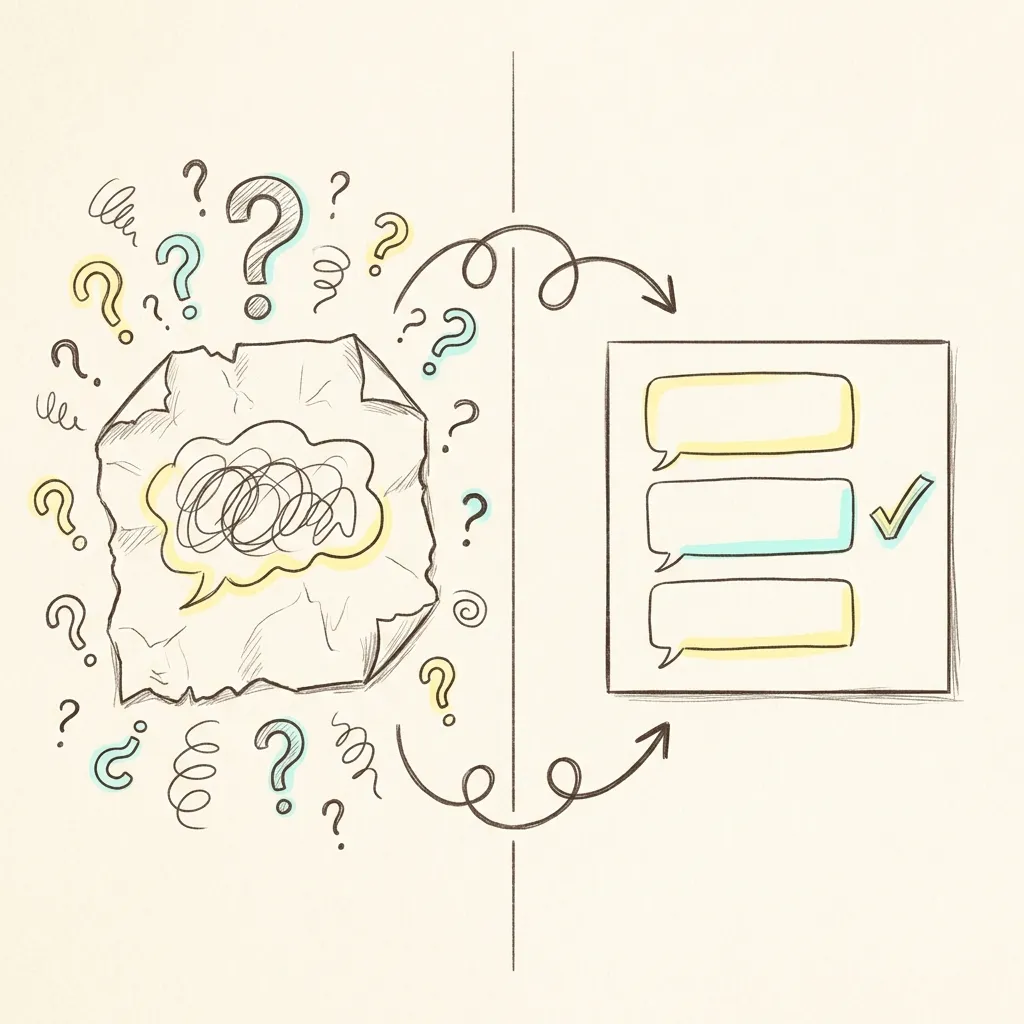 Image Prompt: A premium hand-drawn sketch note style illustration. A cozy split-screen desk scene, on the left a crumpled sticky note with a single scribbled illustrated speech bubble shape representing a vague one-line message, surrounded by confused doodle question marks; on the right a neat sticky note with three clearly separated speech-bubble sections and a small checkmark doodle. Warm graphite lines, hand-drawn arrows connecting the two notes, soft pastel yellow and cyan highlights, on a clean cream paper background. No legible text, no watermark. Square 1
How do you write a PR description that reviewers actually read?
A reviewer opening your PR is deciding one thing: can I understand this well enough to approve it without a call. Your description either answers that in thirty seconds or it doesn’t, and if it doesn’t, you get “can we sync on this?” instead of an approval.
The fix is a fixed three-part structure, in this order: what changed, why it changed, how you verified it works. Skip the throat-clearing.
Before:
Updated the login flow. There were some issues with sessions so I fixed them. Should be good now, let me know if any problems.
This isn’t wrong English. Every sentence is grammatical. It’s still a bad PR description, because it tells the reviewer nothing they can act on. What issues? Fixed how? Tested how? The reviewer now has to ask three follow-up questions before they can review anything, which is exactly the meeting you were trying to avoid by writing a description in the first place.
After:
What: Sessions expire after 15 minutes of inactivity instead of never expiring.
Why: Security audit flagged that sessions never timed out, so a stolen cookie stayed valid indefinitely (see JIRA-4021).
How I tested: Added a unit test that fast-forwards the clock past the timeout window. Manually confirmed the session redirects to login after 15 minutes idle in staging.
Notice what changed isn’t the vocabulary level. It’s the structure. “What/Why/How I tested” is a template you can reuse on every PR without composing new sentences from scratch each time, which matters because writing fresh prose under time pressure is exactly where non-native speakers lose the most time second-guessing word choice.
Two more phrasing patterns that consistently make PR descriptions read faster:
Lead with the verb, not the subject. “The bug was fixed by changing the timeout value” buries the useful information at the end. “Changed the timeout from 0 to 900 seconds to fix the bug” puts the action first. Reviewers skim left to right; give them the verb immediately.
Name the file or function, don’t just describe it. “Updated the authentication logic” makes a reviewer go hunting. “Updated validateSession() in auth/session.ts” tells them exactly where to look before they’ve opened the diff.
Before:
Made some changes to how we handle errors in the API so that it’s better and users get clearer messages when something goes wrong.
After:
api/errorHandler.ts: API errors now return a specific error code (ERR_RATE_LIMIT,ERR_INVALID_TOKEN) instead of a generic 500. Frontend can now show the right message per error type instead of “Something went wrong.”
The second version is not longer English, and it’s not more advanced grammar. It’s the same B1-level vocabulary pointed at specific nouns instead of vague ones (“changes,” “better,” “something”).
How do you phrase code review comments so they land as helpful, not harsh?
Here’s the thing that catches a lot of non-native speakers off guard: the exact same comment reads harsher in text than it would sound out loud in your head, because you’re missing every softening signal a native speaker adds automatically without thinking about it. “This is wrong” said in a hallway with a smile is a shrug. “This is wrong” typed on a GitHub diff, with no smile attached, reads like a verdict.
The fix isn’t to add more words. It’s to swap a small number of sentence patterns from command to question, and from statement-of-fact to statement-of-observation.
Before (reads as blunt):
This is wrong. You need to use
useMemohere.
After (same meaning, less friction):
Would
useMemohelp here? This re-runs on every render, which might be the slowdown you mentioned.
Both versions say the exact same technical thing: use useMemo. The rewrite adds two moves. First, a question instead of a command, which signals “I think this, but I’m open to being wrong” even when you’re fairly sure you’re right. Second, a reason attached to the request, so the author understands the “why” instead of just following an instruction blindly.
This isn’t about being falsely polite or hiding disagreement. If something is actually broken and blocking, say so directly, just attach the reason:
Direct, still respectful (for real blockers):
This will throw if
useris null, which happens on the logout redirect path. Needs a null check before this ships.
That’s not soft. It’s specific, it explains the exact failure condition, and it says clearly that it blocks the merge. Directness and rudeness are not the same axis. You can be completely direct about a blocking issue while still being specific and reason-based instead of just “this is wrong.”
A short phrasing swap table for the patterns that come up constantly in review:
| Instead of (reads as a command) | Try (reads as collaborative) |
|---|---|
| “Change this to X.” | “Could this be X instead? [reason]” |
| “This is wrong.” | “I think this might not handle [case]. Can you check?” |
| “Don’t do it this way.” | “What do you think about doing it this way instead? [reason]” |
| “You forgot to handle errors.” | “Is there error handling for the network-failure case here?” |
| “This is unclear.” | “I had to read this twice to follow it. Would a comment or a rename help?” |
If your team also runs an AI reviewer bot alongside human reviewers, the same phrasing rules apply when you’re writing the prompt or config for it; our AI code review tools comparison covers how a few of the popular ones format their automated comments, which is worth matching if you want a consistent tone across bot and human review.
One more pattern worth naming: praise comments. Reviews that are only corrections read as adversarial even when none of the individual comments are rude, because the total signal is “everything you did needs fixing.” A short “nice catch handling the race condition here” or “this refactor is cleaner than the original, good call” costs one sentence and changes the tone of the entire review thread.
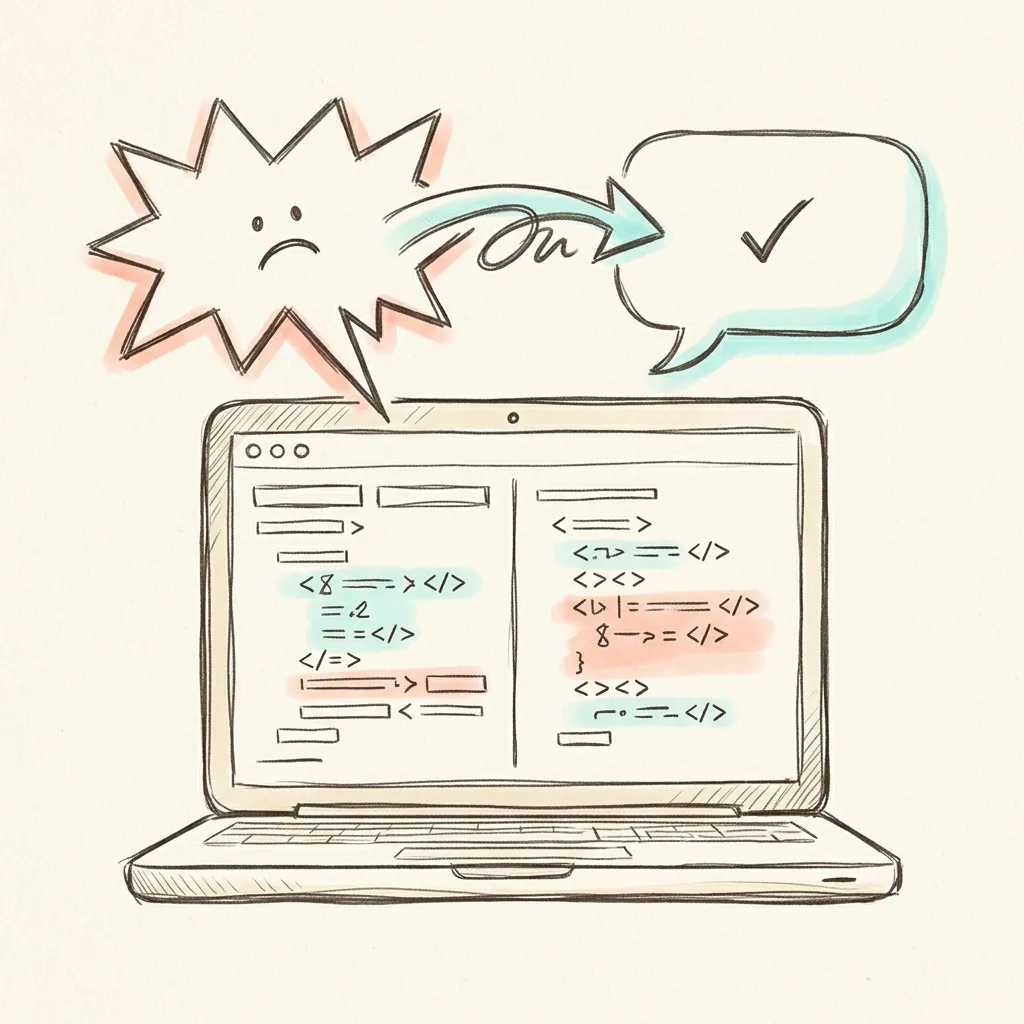 Image Prompt: A premium hand-drawn sketch note style illustration. A laptop screen showing a code diff with two overlapping illustrated speech-bubble shapes above it, one bubble drawn with sharp jagged edges and a small frown doodle, the other bubble drawn with soft rounded edges and a small checkmark doodle, connected by a hand-drawn arrow labeled with a rewrite squiggle. Warm graphite pen lines, soft pastel highlights in cyan and coral, cream paper texture background. No legible text, no watermark. Square 1
How do you write an async standup update that doesn’t need a meeting to explain it?
Remote and hybrid teams increasingly run standups as an async Slack message instead of a call, precisely so people across timezones don’t have to sync live. That only works if the written update actually stands on its own. If your teammates have to DM you “wait, what do you mean by blocked?” the async format has failed and you’re back to a call anyway.
A standup update answers exactly three questions, and nothing else needs to be in there:
- What did you finish since the last update?
- What are you working on next?
- What, if anything, is blocking you?
Before (too vague to act on):
Working on the payment feature. Made some progress. Will continue tomorrow.
Nobody reading this can help you, because there’s nothing specific to react to. “Made some progress” could mean anything from “I finished it” to “I opened the file.”
After:
Done: Payment retry logic (
checkout/retry.ts), passing tests locally. Next: Wiring retry logic into the checkout UI. Blocked: Waiting on thePAYMENT_RETRY_LIMITenv var from DevOps, ticket OPS-118, filed yesterday.
The second version lets a teammate skim it and immediately know two things: whether they can help (maybe they know who owns OPS-118), and whether this person’s work is on track. That’s the entire point of a standup, async or not.
The word “blocked” deserves its own note, because it’s one of the most misused words in async standups by ESL developers. “Blocked” means you cannot proceed at all without something from someone else. It does not mean “this is hard” or “I’m slower than expected.” Overusing “blocked” for ordinary difficulty trains your team to stop reacting to it, which means the day you’re genuinely stuck, nobody notices.
Before (misuses “blocked”):
Blocked on the API integration, it’s taking longer than expected.
That’s not a blocker. That’s normal work taking normal time. Compare:
After (accurate use of “blocked”):
Working on the API integration, slower than expected because the sandbox docs don’t match the actual response shape. Not blocked, just slower; will flag if I’m still stuck by tomorrow.
Real blocker, correctly flagged:
Blocked: can’t test the integration because the sandbox API key expired and I don’t have permission to renew it. Need someone with admin access.
The second example is a real blocker, stated with the exact missing piece named (admin access), so anyone reading it knows immediately whether they can unblock you.
What does good technical documentation actually require?
Most developer documentation problems aren’t grammar problems. They’re structure and audience problems that show up regardless of native language, but they compound badly for ESL writers because uncertain grammar makes people write longer, hedgier sentences to feel “safer,” and longer sentences are exactly what makes technical writing hard to follow.
Google’s developer documentation style guide, the public style guide Google uses for its own developer docs, centers on a small set of rules that happen to also be the easiest rules for a non-native writer to follow, because they remove decisions rather than add them: use second person (“you”), use active voice, use present tense, and keep sentences short. Plain-language guidance from the US government’s plainlanguage.gov initiative lands on nearly the same rules independently, for the same reason: short, active, present-tense sentences are easier for every reader, native or not.
Before (passive, long, buries the instruction):
The configuration file should be edited by the user in order for the new setting to be applied, and it should be noted that a restart of the server will be required afterward for the changes to take effect.
After (active, present tense, instruction first):
Edit the config file to change the setting. Restart the server afterward. Changes don’t apply until you restart.
Notice the rewrite isn’t “simpler English” in the sense of smaller words. “Configuration,” “restart,” and “apply” all survive unchanged. What changed is sentence shape: one short imperative sentence per instruction, active voice throughout, no buried subordinate clauses.
Documentation has one more failure mode specific to translated thinking: word-for-word translation of instructions from your native language often produces the wrong tense or the wrong article (“a,” “an,” “the”), which native readers notice immediately even when they can’t say why the sentence feels off. The next section covers exactly that pattern, because it shows up constantly in written English from ESL developers and it’s fixable with a short set of rules, not years of practice.
 Image Prompt: A premium hand-drawn sketch note style illustration. A cozy desk scene with a laptop showing a chat app interface made of soft rounded rectangle shapes, three separate hand-drawn sticky notes floating beside it each with a distinct doodle icon, one with a checkmark doodle, one with a forward arrow doodle, one with a small stop-sign doodle, connected with light pencil lines. Warm cream paper background, graphite outlines, pastel yellow, mint, and coral highlight accents. No legible text, no watermark. Square 1
What English mistakes do ESL developers make most often, and how do you fix them?
These are the specific, well-documented patterns that keep showing up in code comments, bug reports, and Slack messages, regardless of native language, though the exact pattern varies by language family (Romance-language speakers and East Asian-language speakers tend to hit different subsets of this list, because their native grammars map onto English differently).
Article usage: “a,” “an,” “the,” or nothing
Many languages, including Japanese, Korean, Russian, and Hindi, don’t have articles at all, which means there’s no instinct to fall back on. English articles follow patterns, not random rules, and the pattern that matters most for developer writing is this: use “the” when you and the reader both already know which specific thing you mean, use “a/an” when you’re introducing something for the first time or speaking generally, and use no article for plural general statements or for most abstract/mass nouns.
Before:
Bug happens when user clicks button twice. Function returns error because request is still pending.
After:
The bug happens when a user clicks the button twice. The function returns an error because the request is still pending.
Walk through why each one changed: “the bug” because you and the reader already both know which specific bug this report is about. “a user” because this is a general, unspecified user, any user, not one particular person you both know. “the button” because there’s one specific button under discussion. “an error” because it’s a general instance of an error, not “the” one specific error object you both already have in mind. “the request” because, again, one specific request is under discussion by that point in the sentence.
Tense in bug reports: present tense reads as vague, past tense reads as precise
This is the single highest-impact fix in this entire guide. Present tense describes general, ongoing truths (“the function returns null”). Past tense describes a specific event that happened at a specific time (“I clicked submit and it returned null”). Bug reports are reports of specific events, so they need past tense, but a huge number of ESL bug reports default to present tense because it’s grammatically simpler and matches how the writer’s native language might handle it.
Before (present tense, reads as vague and hard to reproduce):
When I click the submit button, the form doesn’t save and I see an error. It happens randomly.
After (past tense, reads as a specific, reproducible event):
I clicked submit at 2
PM after filling all required fields. The form didn’t save, and I saw “Error: session expired” in the console. It happened three times out of five attempts, always after leaving the tab open for more than 10 minutes.
The rewrite isn’t longer because of better grammar. It’s longer because past tense forces you to describe one specific occurrence, and specific occurrences come with details (time, exact error text, reproduction rate) that present tense lets you skip. “It happens randomly” in present tense is a shrug. “It happened three times out of five, always after 10 minutes idle” in past tense is a lead a developer can actually chase.
Before:
The API return wrong data yesterday when I test it.
This mixes present-tense “return” with a past-tense context (“yesterday,” “test”), which is the single most common tense error in ESL bug reports: using the base verb form (no -ed, no -s) as a catch-all instead of matching tense to when the event happened.
After:
The API returned the wrong data yesterday when I tested it.
Subject-verb agreement under pressure
This one rarely shows up in code (code doesn’t care about English grammar), but it shows up constantly in quick Slack messages typed fast, and it costs credibility more than it costs comprehension, since the reader almost always understands you anyway.
Before: “The tests is failing on CI but pass locally.” (mismatch: “tests” is plural, “is” is singular)
After: “The tests are failing on CI but pass locally.”
The fix that actually works under time pressure isn’t memorizing more grammar rules. It’s a five-second habit: before you hit send, find the main noun in your sentence and check whether it’s singular or plural, then check the verb next to it matches. “Tests” is plural, so it needs “are,” not “is.” This costs five seconds and catches the mistake that native speakers notice fastest, because subject-verb agreement is one of the earliest patterns native speakers internalize as children, which makes a mismatch jump out even in a message they otherwise understand perfectly.
Preposition mismatches carried over from your native language
Prepositions (“in,” “on,” “at,” “for,” “to”) don’t map cleanly between languages, so this category produces some of the most persistent small errors, the kind that survive years of otherwise fluent technical English.
Common developer-specific mismatches:
| Wrong (common ESL pattern) | Correct |
|---|---|
| “depends of the config” | “depends on the config” |
| “wait the response” | “wait for the response” |
| “different than expected” (acceptable in US informal speech, but “different from” is the safer default in writing) | “different from expected” |
| “discuss about the design” | “discuss the design” (no preposition needed) |
| “explain me the bug” | “explain the bug to me” |
There’s no shortcut here beyond exposure and a personal list. Keep a running note of the specific prepositions you get corrected on in code review, and check it before sending similar messages. Most developers only make three or four of these mistakes repeatedly, not dozens, so the list gets short fast once you start tracking it.
Summary
- A PR description needs three things in order: what changed, why, and how you tested it. Everything else is optional.
- Code review comments read harsher in text than in your head. Swap commands for questions and attach a reason, but stay direct on real blockers.
- Async standup updates answer three questions only: done, next, blocked, and “blocked” means genuinely stuck, not just “slower than hoped.”
- Documentation gets easier to write, not just to read, once you commit to second person, present tense, and one instruction per sentence.
- Article usage and tense in bug reports are the two highest-leverage grammar fixes: use “the” for known specifics, “a/an” for general instances, and past tense to describe events that already happened.
Frequently Asked Questions
Do I need C1-level English to work as a developer on an international team?
No. Most day-to-day developer writing, PRs, review comments, standup updates, runs on a narrow set of repeatable phrasing patterns, closer to B1-B2 territory, not the broad academic vocabulary C1 tests for. C1 helps with things like technical interviews, conference talks, and reading dense specs, but it’s not a prerequisite for writing a clear PR description.
Why do my code review comments sound rude even though I’m being polite in my head?
Text strips out tone of voice, facial expression, and pacing, all the signals that soften a comment when spoken aloud. A command-shaped sentence (“Change this to X”) reads as an order in text even if you said it gently in your head while typing. Rephrasing as a question with a reason attached (“Could this be X? It might handle the null case better”) keeps the same technical content with a collaborative tone.
Is it unprofessional to use short, simple sentences in technical docs?
No, the opposite. Google’s developer documentation style guide and plain-language guidance from government writing standards both recommend short, active, present-tense sentences specifically because they’re easier for every reader to parse quickly, not because they’re “dumbed down.” Complexity in documentation should live in the technical content, not in the sentence structure.
What’s the fastest single fix if I only have time to improve one thing?
Fix your bug report tense. Switch from present tense (“it happens randomly”) to past tense with specifics (“it happened three times out of five, always after 10 minutes idle”). This one change reduces back-and-forth clarifying questions more than almost any other single fix in this guide, because it forces you to include the specific details a developer needs to reproduce the issue.
How do I know if “blocked” is the right word for my standup update?
Ask yourself: can I make any progress at all right now without someone else’s action? If yes, even slow progress, it’s not blocked, it’s just slower than hoped, and you should say that instead. If no, name exactly what you’re waiting for and who owns it. Overusing “blocked” for ordinary difficulty trains your team to stop reacting to the word, which is a problem the day you’re genuinely stuck.
What to Read Next
- CEFR Vocabulary Levels Explained: From A1 to C2 Mastery — find your current level before you decide which parts of this guide to prioritize.
- Understanding English Collocations for Natural Speech — the “make a decision, not do a decision” word pairings that make written English sound native, useful for PR descriptions and docs.
- Most Common English Mistakes by CEFR Level — a broader list of level-specific errors if the article/tense patterns here felt useful and you want more.